
Use block as property
Describes how to add and render existing block types as properties on a content type.
Blocks in Optimizely Content Management System (CMS) are reusable, smaller content parts that editors add to other content types. Use blocks in code as properties, as an instance, or in a list. This is a convenient way to reuse a set of properties in multiple instances.
Blocks render only in the context of other content, such as a page. A block instance belongs to a page instance (if a PageType or BlockType contains an instance or list property of the block type), or exists as a shared instance. When a block serves as a property on a page, CMS stores, loads, and versions it with that page.
Add a block as a property
Add an existing block type as a property on a page type to reuse a defined set of fields. This example uses an existing page type, Standard Page, and adds an existing block type, Teaser Block. The page type has a Main body property of type XhtmlString. The block has a Heading property of type String, and an Image property of type ContentReference.
Set AvailableInEditMode on ContentTypeAttribute for block types intended only as properties. This hides them from editors when creating shared block instances.
The example below adds the block as a property to the page type and updates the corresponding view to display it.
Example: The Teaser Block block type.
using System;
using System.ComponentModel.DataAnnotations;
using EPiServer.Core;
using EPiServer.DataAbstraction;
using EPiServer.DataAnnotations;
using EPiServer.Web;

namespace MyOptimizelySite.Models.Blocks {
  [ContentType(DisplayName = "TeaserBlock", GUID = "38d57768-e09e-4da9-90df-54c73c61b270", Description = "Heading and image.")]
  public class TeaserBlock: BlockData {
    [CultureSpecific]
    [Display(
      Name = "Heading",
      Description = "Add a heading.",
      GroupName = SystemTabNames.Content,
      Order = 1)]
    public virtual String Heading {
      get;
      set;
    }

    [Display(
      Name = "Image", Description = "Add an image (optional)",
      GroupName = SystemTabNames.Content,
      Order = 2)]
    public virtual ContentReference Image {
      get;
      set;
    }
  }
}
Example: The Standard Page page type with Teaser Block added as a property.
using System;
using System.ComponentModel.DataAnnotations;
using EPiServer.Core;
using EPiServer.DataAbstraction;
using EPiServer.DataAnnotations;
using EPiServer.SpecializedProperties;
using MyOptimizelySite.Models.Blocks;

namespace MyOptimizelySite.Models.Pages {
  [ContentType(GroupName = "Basic pages", Order = 1, DisplayName = "StandardPage", GUID = "abad391c-5563-4069-b4db-1bd94f7a1eea",
    Description = "To be used for basic content pages.")]
  public class StandardPage: SitePageData {
    [CultureSpecific]
    [Display(
      Name = "Main body",
      Description = "The main body for inserting for example text, images and tables.",
      GroupName = SystemTabNames.Content,
      Order = 1)]
    public virtual XhtmlString MainBody {
      get;
      set;
    }

    [Display(Order = 5, GroupName = SystemTabNames.Content)]
    public virtual TeaserBlock Teaser {
      get;
      set;
    }
  }
}
Example: The view for the Standard Page.
@addTagHelper *, EPiServer.Cms.AspNetCore.TagHelpers
@model MyOptimizelySite.Models.Pages.StandardPage
  <div>
    <div epi-property="@Model.MainBody" />
    <div epi-property="@Model.Teaser" />
  </div>
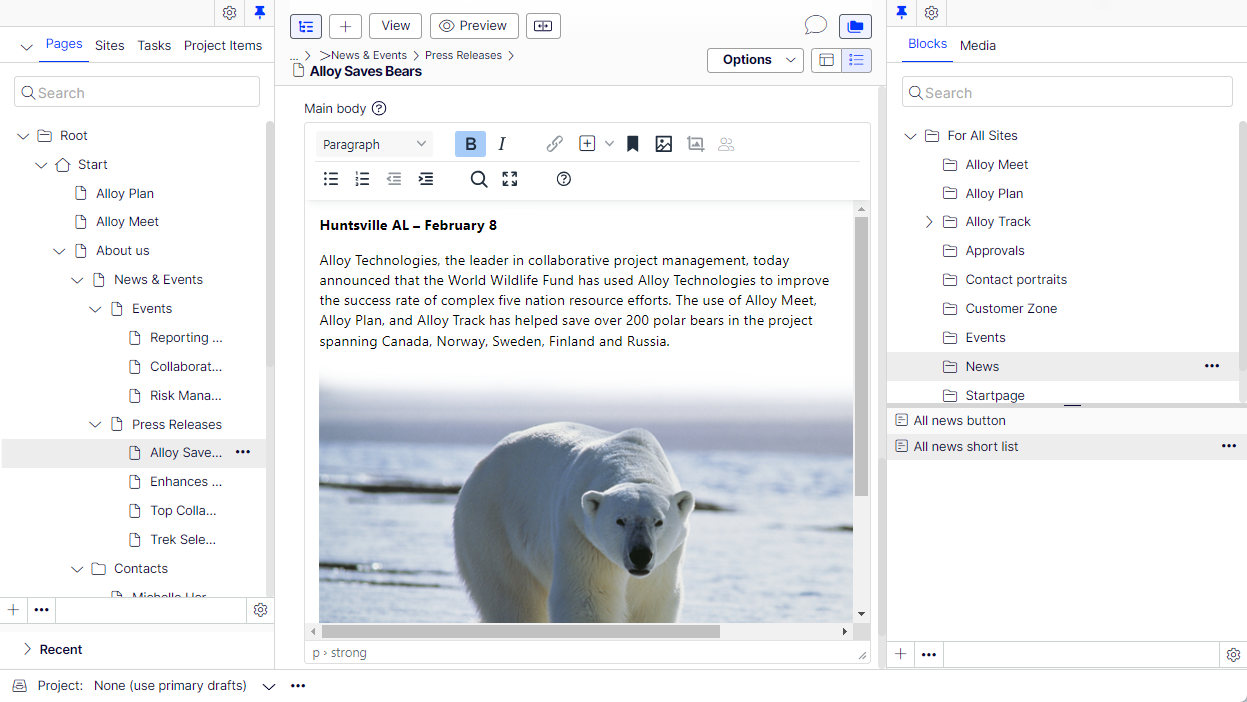
When editing a page based on the Standard Page page type, the All Properties editing view displays the result.
NoteThe functionality "Fetch content from another content item" only applies when a property is considered "Null". For a block property, this means that properties within the block must be null for fetch content to apply. This can be an issue if the block contains a primitive type, such as a bool, nullable bool, int or nullable int, and that has a value. It is currently not possible to set a null value for those properties from the edit UI, meaning that if such a block property has a value, it cannot be "nulled" from the user interface to get fetching data to apply. This can be solved by either a custom editor that can set a null value as well, or by having an event handler to
IContentEvents.PublishingContentand in the event handler set the value to null if it is the default value (false for a bool/nullable boolean or 0 for an int/nullable int).
Updated 3 months ago