
Link to other content
Describes how to use ContentReference type to refer to other content in Optimizely without having to write custom properties.
Link to different types of content (images, folders, blocks, and media) using the ContentReference type without writing custom properties.
[UIHint(UIHint.Block)]
public virtual ContentReference BlockReference {
  get;
  set;
}

[UIHint(UIHint.AssetsFolder)] //AssetsFolder provides folder selection since the folder structure is the same for blocks and media
public virtual ContentReference Folder {
  get;
  set;
}

[UIHint(UIHint.Image)] //Anything that implements IContentImage
public virtual ContentReference Image {
  get;
  set;
}

[UIHint(UIHint.Video)] //Anything that implements IContentVideo
public virtual ContentReference Video {
  get;
  set;
}

[UIHint(UIHint.MediaFile)]
public virtual ContentReference MediaFileOfAnyType {
  get;
  set;
}
NoteThe code example references images and media using a content reference. CMS 7 uses a URL in the following code.
[UIHint(UIHint.MediaFile)]
public virtual Url FileAsUrl {
  get;
  set;
}

[UIHint(UIHint.Image)]
public virtual Url ImageAsUrl {
  get;
  set;
}
Both types are supported in CMS 7.5 and later. Prefer ContentReference for better performance.
Using the Url type triggers an additional conversion step from the internal permanent format to a public URL, with a small performance impact. Use the Url type when appending information to a URL, such as image size or format. ContentReference stores only the reference without additional information.
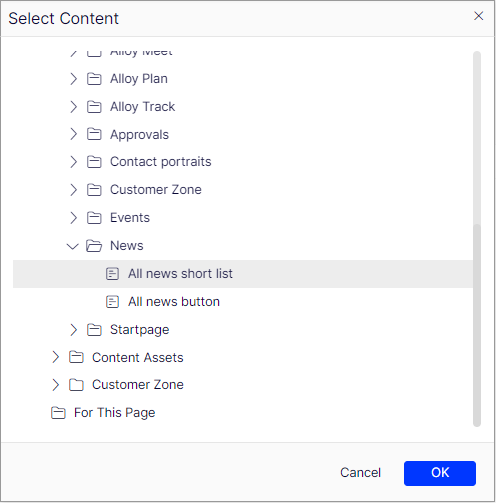
The block selection dialog box displays folders and blocks. Folders are not selectable:
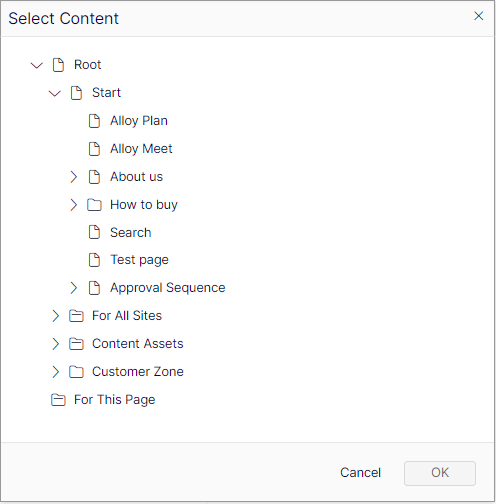
Without a UI hint, the dialog box displays all selectable content on the site:
Customize selection of content
Narrow content selection to specific types or custom content roots for a more focused editing experience.
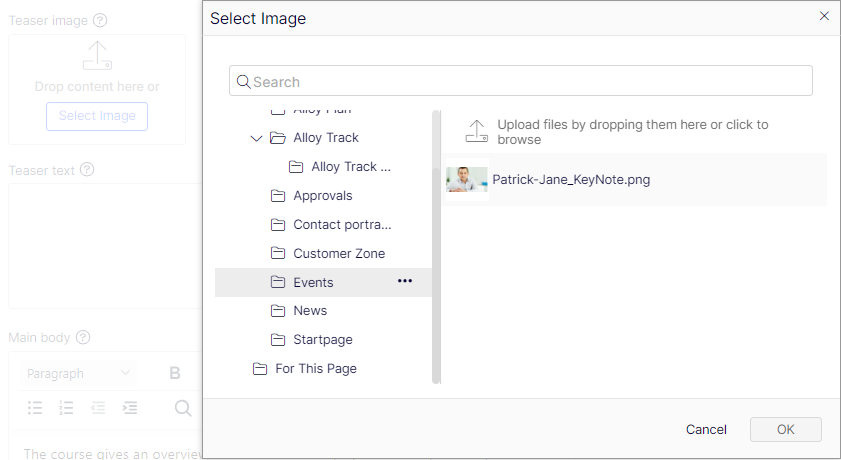
Apply the AllowedTypes attribute to define selectable types:
[AllowedTypes(new []{typeof(TeaserBlock)})]
public virtual ContentReference TeaserBlockReference {
  get;
  set;
}
Specify custom roots for the selection dialog by creating a custom editor descriptor that inherits from ContentReferenceEditorDescriptor<T>. The following example uses a hard-coded content reference for simplicity. This is not a recommended approach:
public class StartPage: SitePageData {
  [UIHint("teaserblock")]
  public virtual ContentReference TeaserBlockReference {
    get;
    set;
  }
}

[EditorDescriptorRegistration(TargetType = typeof (ContentReference), UIHint = "teaserblock")]
public class BlockReferenceEditorDescriptor: ContentReferenceEditorDescriptor<TeaserBlock> {
  public override IEnumerable<ContentReference> Roots {
    get {
      return new ContentReference[] {
        new ContentReference(52)
      };
    }
  }
}
NoteThe examples in this topic control which content types are draggable to a field (except for the custom roots setting, which only affects dialog box visibility). For example, a
TeaserBlockfrom a location outside the custom root with ID 52 is still draggable to the field.
Updated 3 months ago