
Manage blueprints
Create, find, rename, and delete Visual Builder blueprints in Optimizely CMS 13. Save sections and experiences as reusable layout templates.
Blueprints are reusable layout templates that you use with Visual Builder to create content directly in the user interface (UI). You can save sections and experiences as blueprints, such as a campaign landing page, a contest entry form, a masthead or hero image, and column or grid content.
See this interactive demonstration about how to create, use, and manage blueprints.
Find, rename, or delete blueprints in Settings > Blueprints.
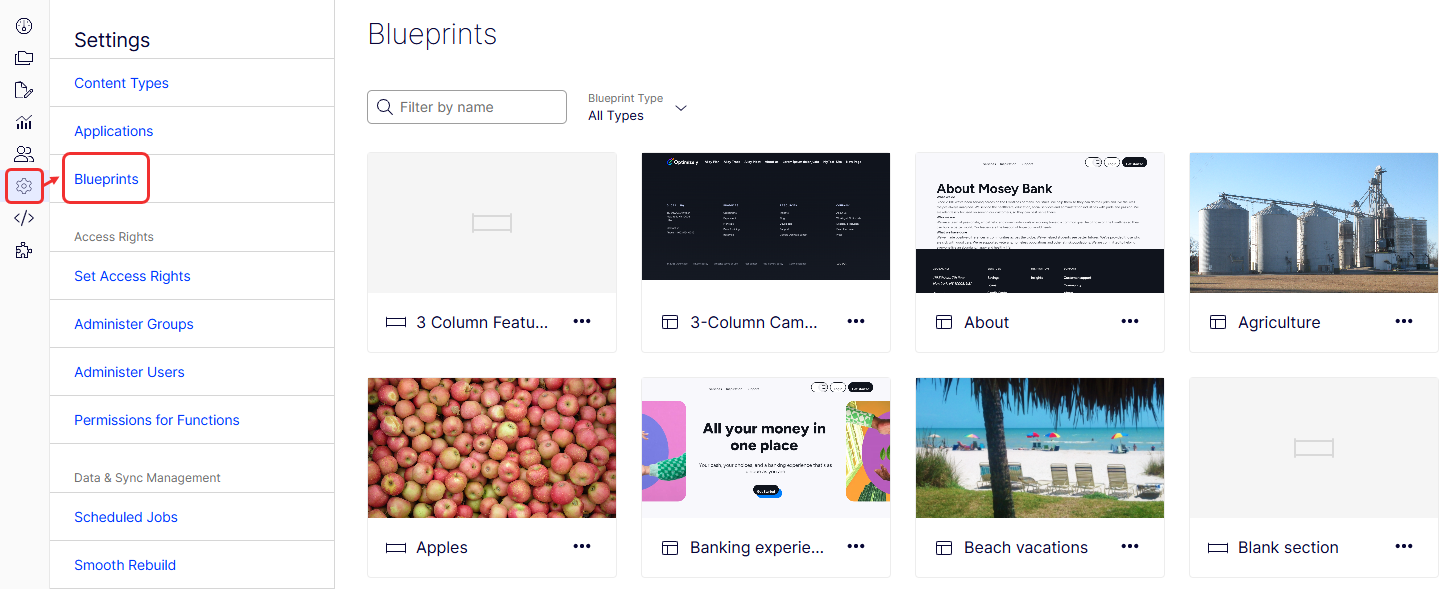
Search for blueprints
Type the name (or partial name) of a blueprint in the search field to filter the list. Use the Blueprint Type drop-down list to filter blueprints further.
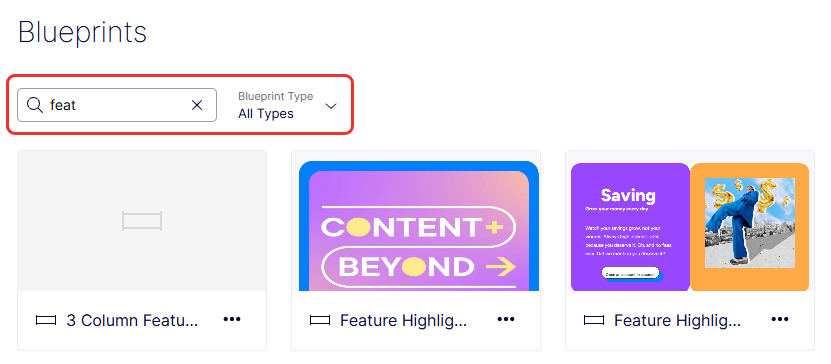
Rename a blueprint
-
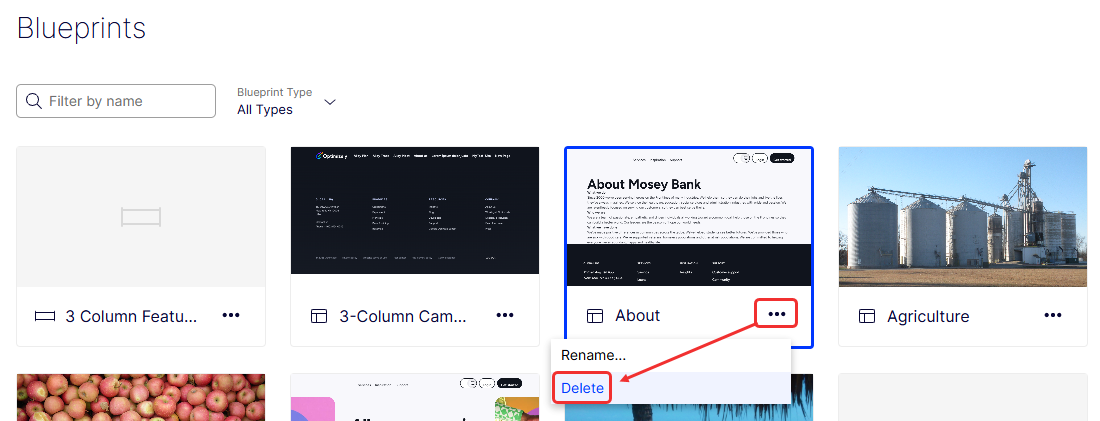
Select More (...) > Rename on the blueprint card.
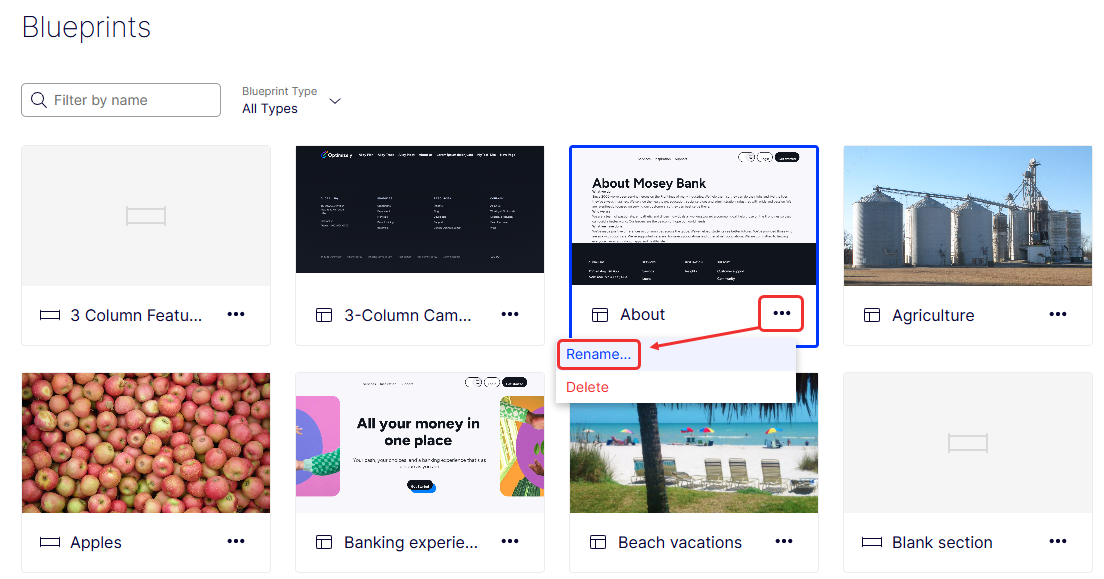
The Rename Blueprint window displays.
-
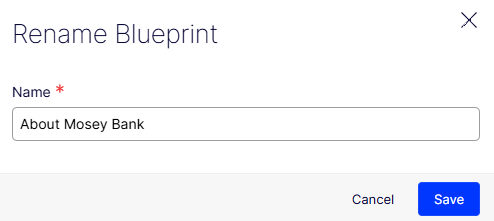
Enter a new Name.
-
Click Save.
Delete a blueprint
-
Select More (...) > Delete on the blueprint card.
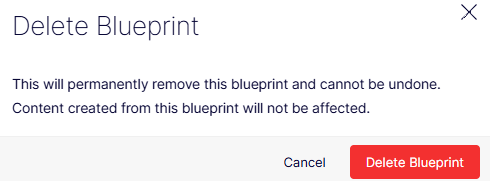
A Delete Blueprint window displays.
-
Click Delete Blueprint to confirm the deletion.
Save an experience as a blueprint
Save an experience as a blueprint when you create a layout you want to reuse across your site.
-
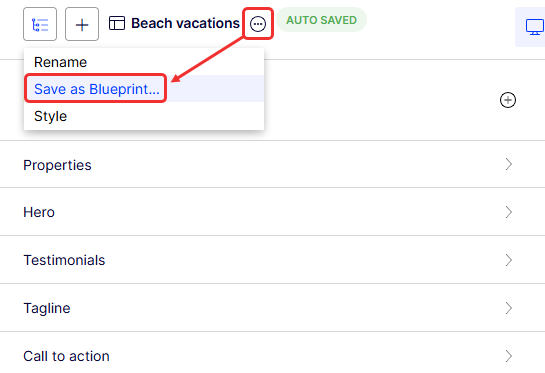
Click More (...) > Save as Blueprint... on the experience.
-
Enter a name for the blueprint.
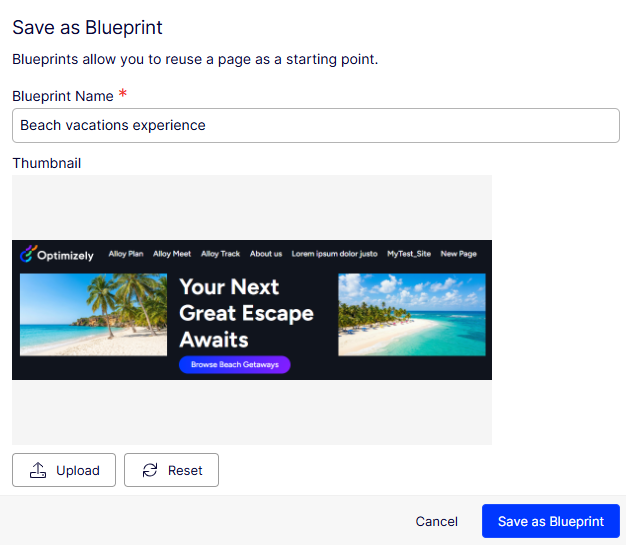
Visual Builder generates a thumbnail image for the blueprint automatically. Click Upload to change it with another image, or click Reset to revert to the original thumbnail image.
-
Click Save as Blueprint. When you create an experience, your experience blueprint displays in the list among the other blueprints.
Save a section as a blueprint
NoteStyle settings are not included for block-as-section blueprints.
A blueprint saved from a block added as a section does not include the block's style settings. CMS stores those style settings in the parent composition tree, not in the block content. Reapply the style settings when you create content from that blueprint.
-
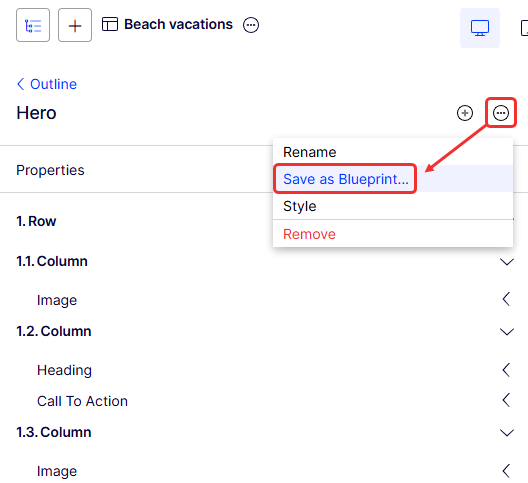
Click More (...) > Save as Blueprint... on the section.
-
Enter a name for the blueprint.
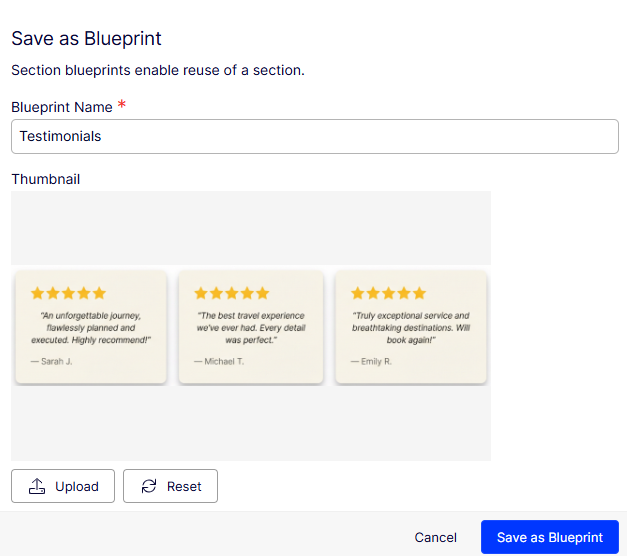
Visual Builder generates a thumbnail image for the blueprint automatically. Click Upload to change it with another image, or click Reset to revert to the original thumbnail image.
-
Click Save as Blueprint. When you create a section, your section blueprint displays in the list among the other blueprints.
Updated 13 days ago