
UI wrapper types
Describes wrapper types for the editor in the Optimizely Content Management System (CMS) user interface.
The wrapper type determines how the editor displays in on-page editing mode. Configure the default wrapper type for custom properties with an editor descriptor.
Floating wrapper
The floating wrapper opens the editor in a dialog beside the edited content and is the default editor wrapper. To change the default, go to Configure the default editor wrapper.
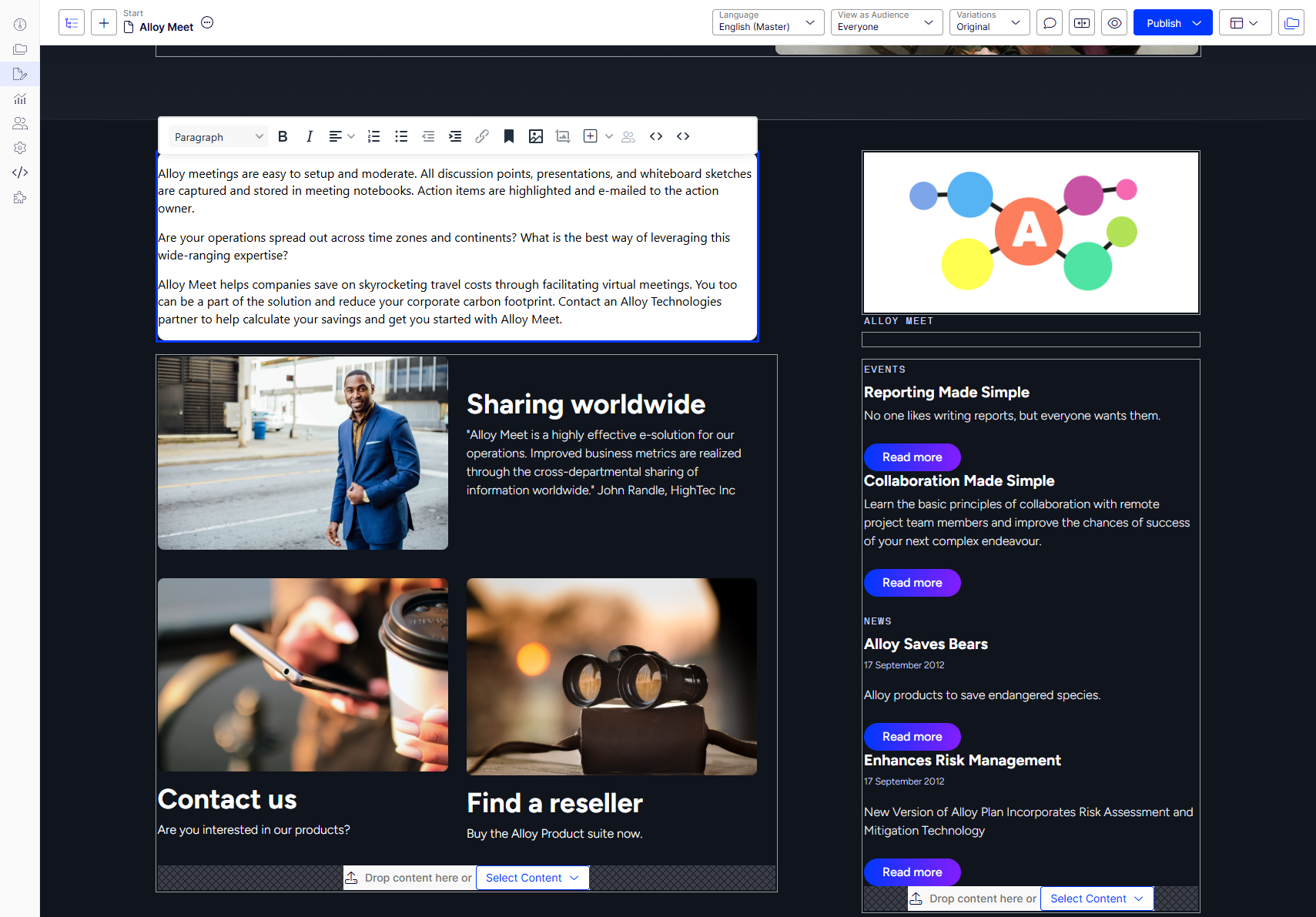
Flyout wrapper
The flyout wrapper opens the editor in a side panel. Use this wrapper when properties need more editing space than the floating wrapper provides.
Content-editable wrapper
The content-editable wrapper enables editing directly on the underlying page. This wrapper requires an editor built to support content-editable mode. Do not use this as the default editor wrapper type.

Inline wrapper
The inline wrapper opens the editor within the property overlay. The content-editable wrapper replaced this wrapper, and it is obsolete. Do not use this as the default editor wrapper type.
Updated 2 months ago