
Blueprints
Information on the Blueprints tab in the Optimizely CMS 13 Settings.
Blueprints are reusable layout templates used with Visual Builder to create content directly in the UI. Save sections and experiences as blueprints: a campaign landing page, a contest entry form, a masthead or hero image, or column and grid content.
For an interactive walkthrough, see the blueprints demonstration.
Go to Settings > Blueprints to find, rename, or delete blueprints. To create blueprints, use Visual Builder.
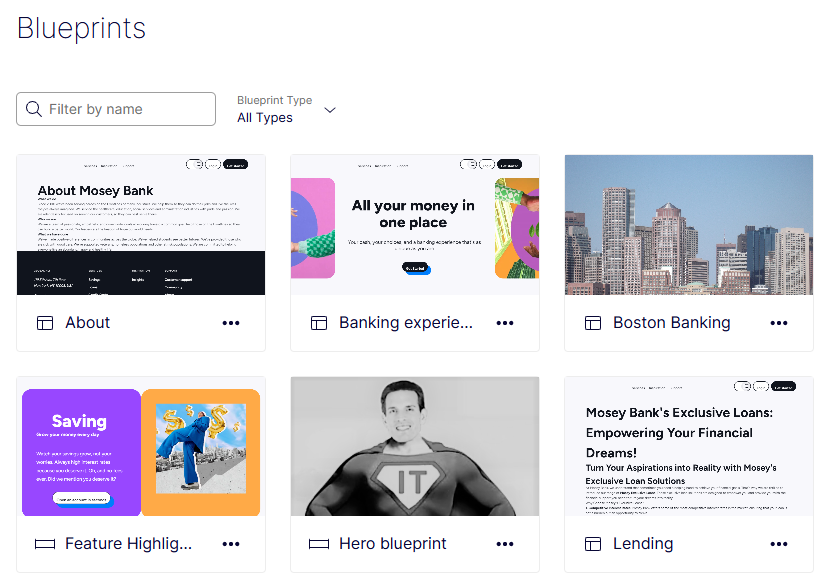
Find blueprints
The Search field filters blueprints by name. Use it to locate the blueprint that needs renaming, deletion, or review.
Enter part of a blueprint name in Search to filter the list.
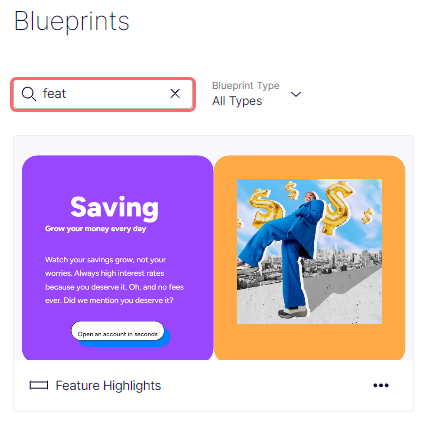
Filter blueprints
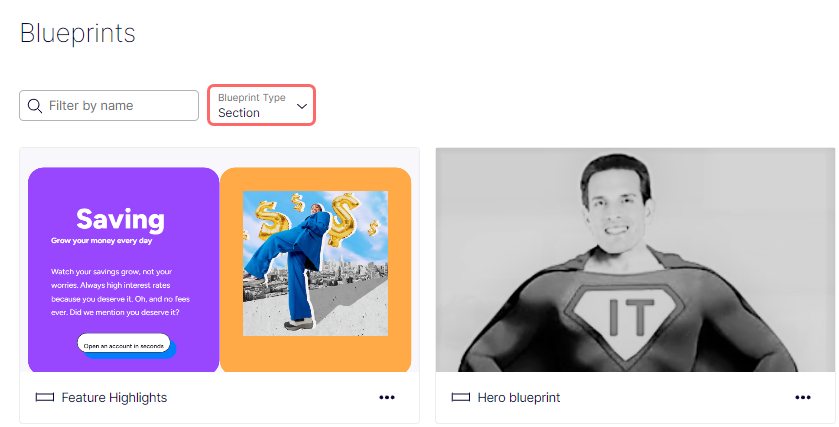
The Blueprint Type filter narrows the list to experience or section blueprints, making it easier to scan large libraries by purpose. Apply a filter to review only the layout templates that match a specific authoring scenario.
Select Blueprint Type (All Types, Experience, or Section) to filter blueprints.
Rename a blueprint
Renaming a blueprint keeps its label aligned with current naming conventions, so editors recognize the right template at a glance. Update names whenever a campaign rebrands or a layout's purpose changes.
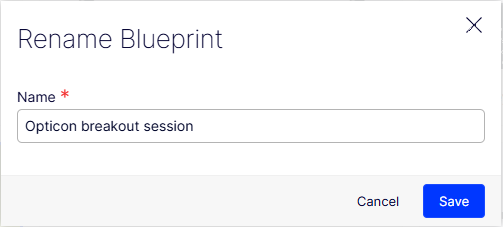
- Select More (...) > Rename on the blueprint card. The Rename Blueprint window displays.
- Enter a name.
- Click Save.
Delete a blueprint
Deleting a blueprint removes outdated or unused templates from the library, so editors only see relevant choices when creating content.
- Select More (...) > Delete on the blueprint card. The Delete Blueprint window displays.
- Click Delete to confirm.
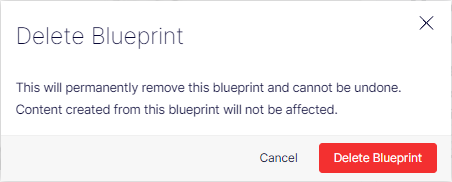
Deleting a blueprint removes it from the library but does not delete content already created from it. Editors cannot use the blueprint to create content after deletion.
Updated 2 months ago