
List properties
Describes how to model lists of multiple values.
Most property types in Optimizely Content Management System (CMS) can be modeled as lists, including types modeled as block types. For example, given that there is a block type modeled as:
[ContentType(AvailableInEditMode = false, GUID = "38d57768-e09e-4da9-90df-54c73c61b270")]
public class ContactBlock : BlockData {
   //block properties
}
Then, other Content models can define lists of the block type as:
public virtual IList<ContactBlock> Contacts {
  get;
  set;
}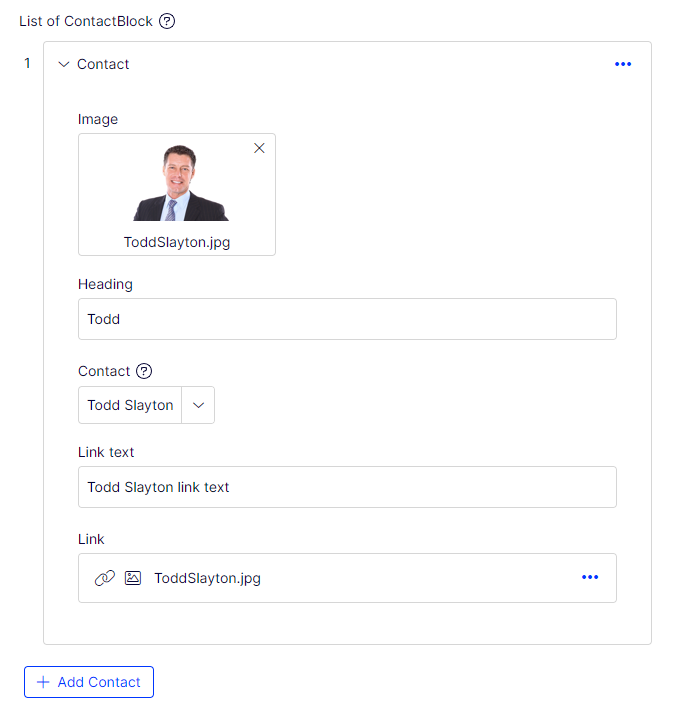
Each list item looks the same when collapsed: just the type name. Override this by specifying which property renders the list item header.
[ListItemHeaderProperty(nameof(Blocks.ContactBlock.Heading))]
public virtual IList<ContactBlock> Contacts {
  get;
  set;
}
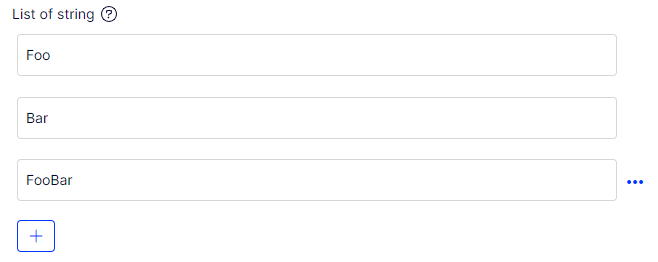
The idea is the same as with List<T>. Add the list as a property to your model, and the default descriptors match the IList type and render the correct editor. For example:
public virtual IList<string> ListOfStrings {
  get;
  set;
}
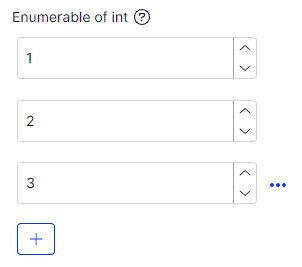
public virtual IList<int> ListOfIntegers {
  get;
  set;
}
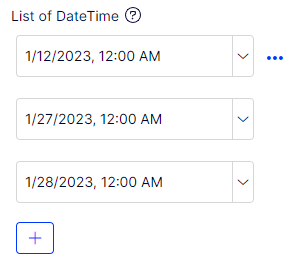
public virtual IList<DateTime> ListOfDates {
  get;
  set;
}
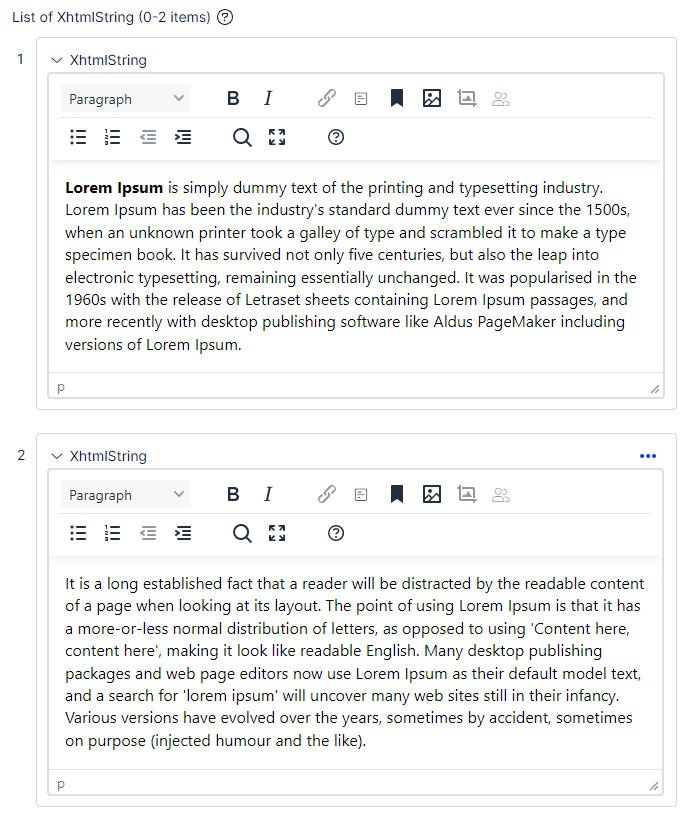
public virtual IList<XhtmlString> ListOfXhtml {
  get;
  set;
}
Define a list property with a custom type inside. Do not use the custom type as a block in the system. Only an editor and descriptor for a single property are needed; the system applies them when the property appears within a list. For example, if there is a custom editor for a type GeoCoordinate defined like this:
public virtual IList<GeoCoordinate> Contacts {
  get;
  set;
}
...where GeoCoordinate is...
public class GeoCoordinate {
  public decimal Latitude {
    get;
    set;
  }
  public decimal Longtitude {
    get;
    set;
  }
  public int Zoom {
    get;
    set;
  }
}
...and then there is a custom type descriptor for GeoCoordinate which defines a custom editor...
[EditorDescriptorRegistration(TargetType = typeof (GeoCoordinate))]
public class GeoCoordinateEditorDescriptor: EditorDescriptor {
  public override void ModifyMetadata(ExtendedMetadata metadata, IEnumerable<Attribute> attributes) {
    ClientEditingClass = "alloy/editors/GoogleMapsPicker";

    base.ModifyMetadata(metadata, attributes);
  }
}...GeoCoordinate must inherit from BlockData, or you must provide a custom BackingType.
[ContentType(AvailableInEditMode = false, GUID = "11d57768-e09e-4da9-90df-54c73c61b270")]
public class GeoCoordinate: BlockData {
  public virtual decimal Latitude {
    get;
    set;
  }
  public virtual decimal Longtitude {
    get;
    set;
  }
  public virtual int Zoom {
    get;
    set;
  }
}
NoteThe
AvailableInEditModeattribute andvirtualmodifier are added to all model properties.
Provide a custom UIHint to the list item. For example, create a list of images or video files:
[UIHint(UIHint.Image)]
public virtual IEnumerable<ContentReference> Images {
  get;
  set;
}
...which is rendered like this:
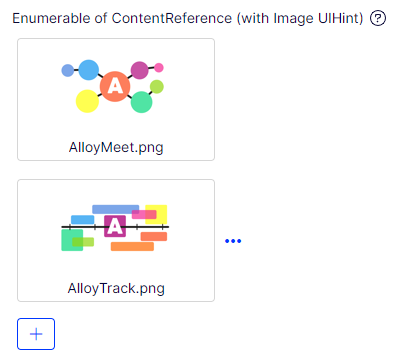
NoteThe property type does not have to be
IList. The Optimizely descriptors match theIListinterface and all its base interfaces, soIEnumerableorICollectionalso work. All the following declarations are matched by the Value List descriptor.
public virtual IEnumerable<string> EnumerableStrings {
  get;
  set;
}
public virtual ICollection<string> CollectionOfStrings {
  get;
  set;
}
public virtual IList<string> ListOfStrings {
  get;
  set;
}
Validate a list
Apply validation to the list itself and to individual items. Use ListItemsAttribute to control the number of items in the list:
[ListItems(5)]
public virtual IList<int> Max5Items {
  get;
  set;
}
Apply the following attributes to individual items:
[ItemRangeAttribute(1, 10)]
public virtual IList<int> ItemsBetween1And10 {
  get;
  set;
}

[ItemRegularExpression("[a-zA-Z]*")]
public virtual IList<string> LettersOnly {
  get;
  set;
}

[ItemStringLength(3)]
public virtual IList<string> ListOfAcronyms {
  get;
  set;
}
Provide custom metadata and validators to the items inside the list. For example, if a List<ContactBlock> is defined, create a metadata extender just for ContactBlock or a custom validator of ContactBlock. The system applies it to each instance created within the list property.
Render a list
Display templates control how list properties appear on the page.
public virtual IList<string> UniqueSellingPoints {
  get;
  set;
}
To use the PropertyFor helper method, you must define a specific Display template, and to do that, you must first attach a UIHint to your property:
[UIHint("StringsCollection")]
public virtual IList<string> UniqueSellingPoints {
  get;
  set;
}
Then add a StringsCollection.cshtml file to the ~/Views/Shared/DisplayTemplates folder.
The Alloy package includes an example of a Display Template:
@model IEnumerable<string>
  @if(Model != null && Model.Any())
    {
      <ul>
        @foreach(var stringValue in Model) {
          <li>@stringValue</li>
        }
      </ul>
    }
Add a UniqueSellingPoints property to your page template:
@Html.PropertyFor(x => x.CurrentPage.UniqueSellingPoints)
The on-page edit displays the following result:
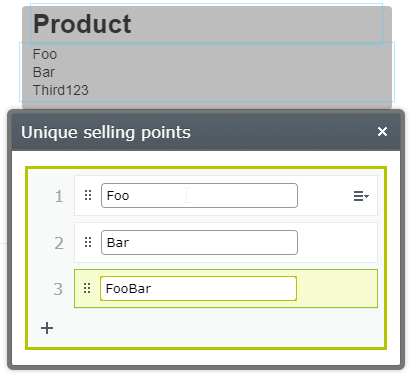
The same approach applies to more complex types:
public virtual IList<ContactBlock> ContactBlocks {
  get;
  set;
}
The system looks for a partial view for ContactBlock inside ~/Views/Shared/DisplayTemplates and renders the items as ul -> li by default.
Create a custom display template for the whole list if a simple ul or list is insufficient.
Updated 3 months ago