
Get started with Optimizely Commerce Connect
Learn how Optimizely Commerce Connect helps you manage catalogs, orders, customers, promotions, and multi-site ecommerce from one platform.
NoteOptimizely Commerce Connect 15 requires Optimizely Content Management System (CMS 13) and targets .NET 10.
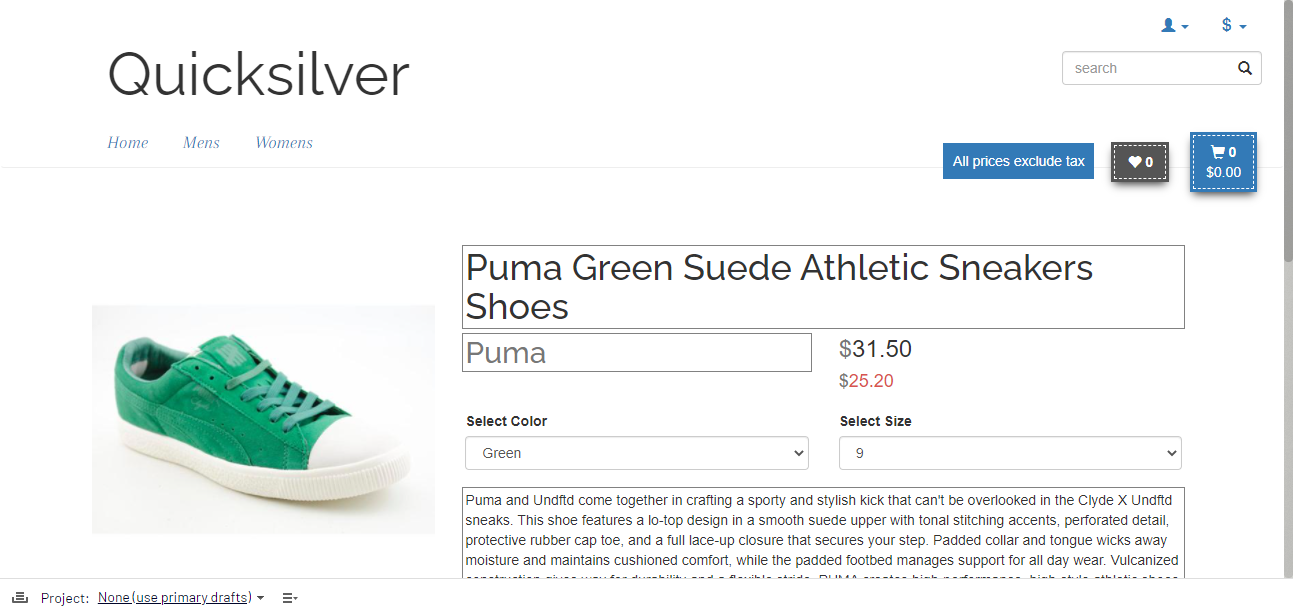
Optimizely Commerce Connect lets you create and deploy an ecommerce website, using content management and back-end web shop management.
See Get started with CMS 13 for users to log in, access features, and work with the Optimizely user interface.
Catalogs and products
Manage catalogs, product categories, and products. Catalogs are independent from each another. See Catalogs.
- Structure and organize catalogs into categories, products, SKUs, bundles, and packages.
- Add products and change a catalog's structure.
- Add or modify a product in one location to automatically update all ecommerce websites and channels.
- Run multiple catalogs in parallel on the same platform.
- Associate and recommend related products to increase up-sell and cross-sell opportunities.
Orders
Use the Orders subsystem to monitor, track, change, or create orders, ship out items, and ship to multiple addresses. You can also create returns or exchanges.
- Create purchase orders with split payments, split shipment, split shipping addresses, and other options.
- Create recurring payments and process them automatically.
- Create a one-page checkout or let customers make a purchase without registering on your site.
- Use multiple payment types, currencies, and shipping options—including tax and shipping calculations that automatically show your customers their costs, including duty and taxes—so you can expand your business into new markets.
Customers
Store customer records and track orders placed across multiple websites. See Customers.
- Access shopping carts and wish lists to see what your customers want.
- Manage internal users, customers, partners, and organizations through the same interface. Generally, only your team of internal users has access to administration with varying access to the subsystems and menu items within each system.
Pricing and promotions
Control promotions, from developing custom discounts to deciding when the campaign should go live.
- Manage promotions from the Marketing.
- Choose a preset promotion or create a custom campaign.
- Create your own promotions or use preset ones such as Buy N of product X and get a discount or Buy N of product X and get one free.
- Create a promotion that displays either before or during checkout.
- Apply a shipping cost discount.
- Develop custom campaigns and pricing based on sales seasons or regions. Optimizely Commerce Connect automatically shows customers targeted promotions based on their industry, interests, demographics, or other data. The pricing and information rules include volume pricing, tiered pricing, and pricing for specific customer groups.
Multi-site and language features
Create and deploy two or more localized ecommerce websites on a single platform.
- Control your product catalogs, customer data, and local market data in a unified web interface.
- Manage your content, products, and regional settings for markets with globalization support; see Manage language for catalogs.
- Reach international customers with multiple language, payment, shipping, tax, and currency options. For example, you can create custom promotions for specific markets to further drive sales, enable regional origin, or drop shipping to better support international operations.
Multi-channel ecommerce
Create content in one place and share and distribute it to multiple channels, such as mobile, social, email, and on the ecommerce website.
- Create targeted campaigns by offering a special promotion code to anyone who likes your Facebook page or scans a QR code in a mobile campaign.
- Add channels for future use.
Security
Commerce Connect gives you total control over who can access your ecommerce website's back end so that only authorized users can modify your website or view customer data.
- Access rights for users, user groups, and functions. Commerce Connect has roles for managing store procedures and website content and files.
- Create access based on Personalize a digital experience with audiences using virtual roles. See also Customize views for organizations and contacts.
- Set up your own roles.
Content
Marketers and merchandisers work from the editor to create and update content.
- Create a campaign or a landing page and catalog entries in the product catalog.
- Create news or an article with content related to the products in your web shop.
- Drag and drop content blocks or pages into the content area of another web page to create dynamic websites putting important content in focus.
- Create targeted content through personalization. Optimizely Commerce Connect lets you define personalization criteria such as the number of orders and amount spent within a defined period, along with customer buying intention for a product type or category.
- Create product landing pages by uploading content and dropping it into place. Shared blocks automatically update content throughout your site.
Administration and configuration
Manage ecommerce settings.
- Configure shipping and payment gateways, default language, currency, units, tax configuration, and search.
- Manage common website administrative tasks such as setting access rights for web pages in the page tree and block folder structure, management of scheduled jobs, and language settings.
Updated 2 months ago