
Configure permissions in CMS for Business Foundation objects
Configure Business Foundation permissions in Optimizely CMS to control user and group access to contact and organization functions.
NotePermissions are set in Optimizely Content Management System (CMS).
Go to CMS Admin > Settings > Permissions for Functions.
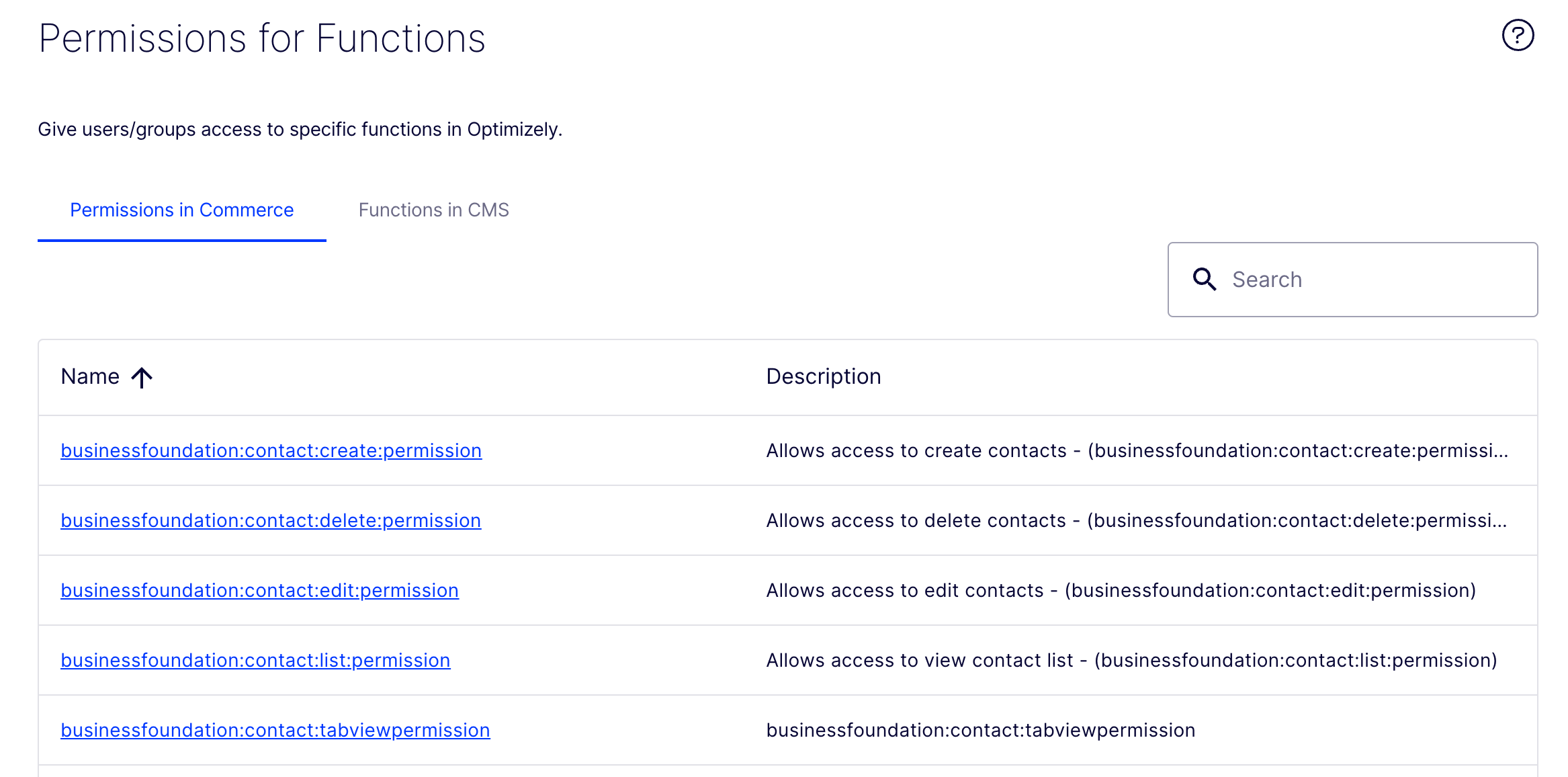
Click the permission name to open the detail page. Click Add User/Group to set a user or group with this level of access, then click Save Permissions for Function.
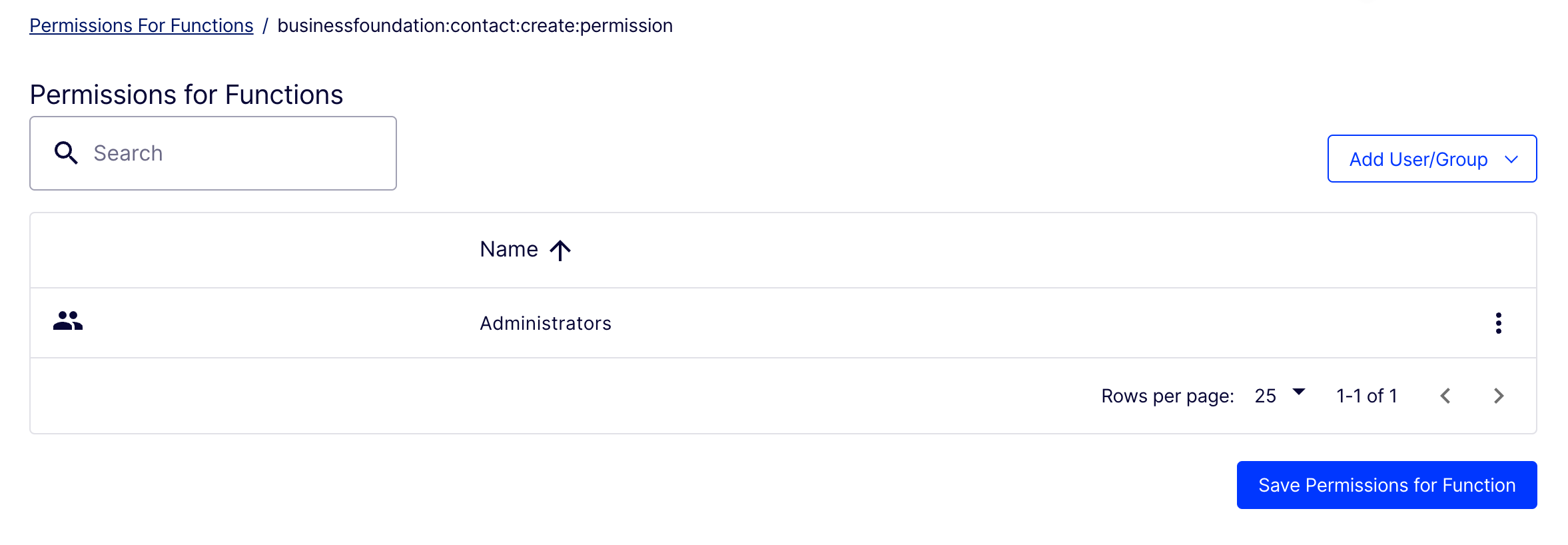
A developer can set the following permissions for Business Foundation contacts and organizations:
businessfoundation:contact:list:permission– View contact list. Only users with this permission can view the contact list.businessfoundation:contact:edit:permission– Edit contacts. Only users with this permission can edit a contact.businessfoundation:contact:view:permission– View contact details. Only users with this permission can view contact details.businessfoundation:contact:create:permission– Create contacts. Only users with this permission can see the Create Contact button and create a contact.businessfoundation:contact:delete:permission– Delete contacts. Only users with this permission can see the Delete button and delete contacts.businessfoundation:organization:list:permission– View organization list. Only users with this permission can view the organization list.businessfoundation:organization:edit:permission– Edit organizations. Only users with this permission can edit an organization.businessfoundation:organization:view:permission– View organization details. Only users with this permission can view organization details.businessfoundation:organization:create:permission– Create organizations. Only users with this permission can see the Create Organization button and create an organization.businessfoundation:organization:delete:permission– Delete organizations. Only users with this permission can see the Delete button and delete organizations.
Restrict a request
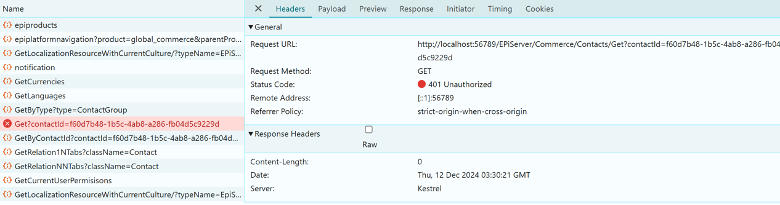
Users who send a request without permission are restricted, and an unauthorized response displays.
Enable or disable Permissions for Functions
Turn a permissions function on or off.
- Set
Enabletotrueso admins can grant access to each user or group at the function level. - Set
Enabletofalseto keep the behavior the same and do not add a setting. This is set tofalseby default.
"EPiServer": {
  "CMS": {
    "clientResource": {
      "Debug": "false"
    }
  },
  "CMSUI": {
    "Upload": { "FileSizeLimit": 2147483648 }
  },
  "Commerce": {
    "ODPJobOptions": {},
    "ApplicationOptions": {},
    "SearchOptions": {},
    "MetaDataOptions": {},
    "OrderOptions": {},
    "AdyenPaymentOptions": {},
    "Bolt": {},
    "OptiGPTOptions": {
      "OptiAIKey": "cZvqpt4CzzhyNXtgPb1TyjXW5YPmDSbYYO3GxiRMQQ4YvMMJ",
      "OptiAISecret": "rGgHdOL75rdiuPVFhKaK9AN8SKqZ5nMdjyseMUdh4buQAjr43dLbOcMYaCmi98S4",
      "OptiAIUrl": "https://dev.cg.optimizely.com/",
      "OptiAIDefaultModel": "gpt-35"
    },
    "PermissionOptions": {
      "Enable": true
    }
  }
}
Updated 2 months ago
Did this page help you?