
Find orders
Find orders on the Order Management page by order number, created date, customer name, email, market, or status in Optimizely Commerce Connect.
Find orders by No. (order number), Created Date, Name, Market, Customer Name, Customer Email, or Status.
By order number, name, or email
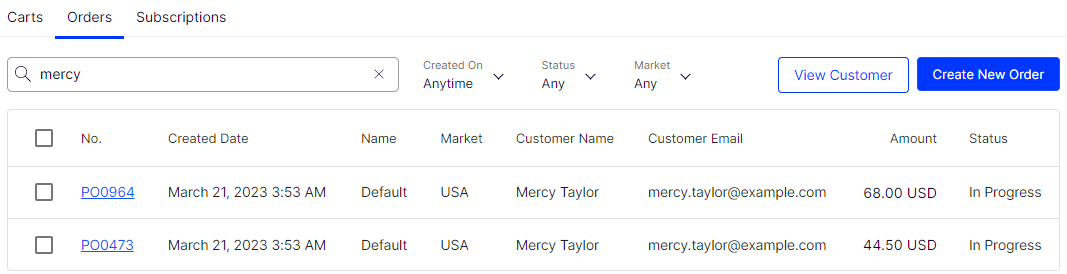
Search for orders by customer name (partial match) or email address (exact match; searching for @example.com does not work). Begin entering the customer's first name or exact email address and results dynamically update as you refine your search.
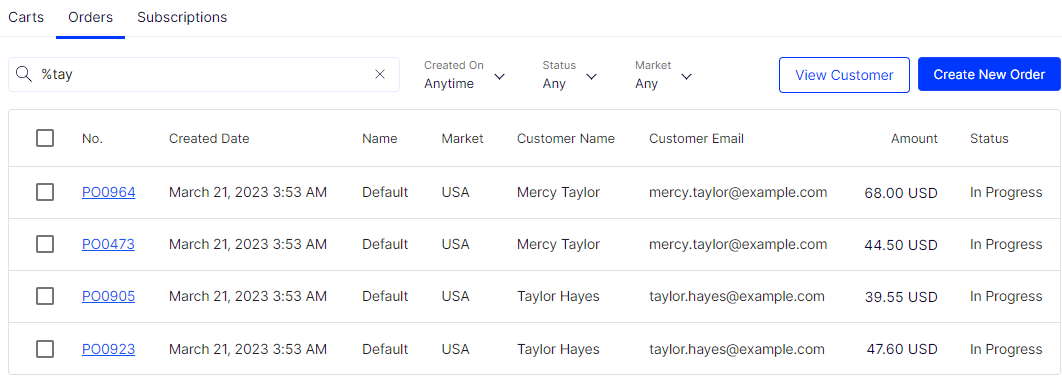
Use % to search for any consecutive string of letters or numbers. For example, %tay filters users to Mercy Taylor and Taylor Hayes.
If an order is anonymous with no name attached and you do not have the order number, search these orders by Customer Name or Customer Email Address.
By created date
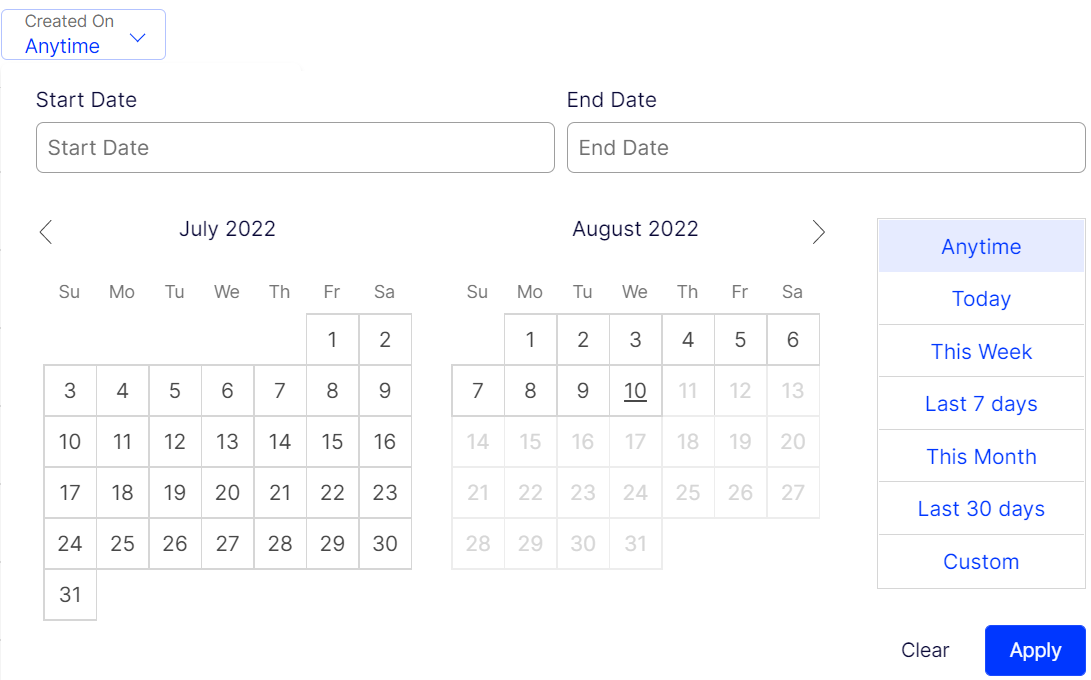
Find results on the Order Management page using the Created On filter. Pick a Start Date and End Date, or select one of the preset options. Click Apply to see the results.
By status
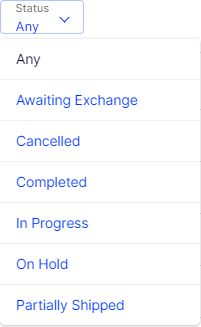
Find by order status.
By market
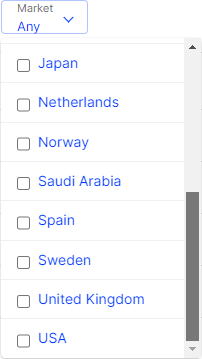
Find by selecting one or more markets.
Updated 2 months ago