
Get started with the GraphQL API
How to get started with the GraphQL API, which is used in the Optimizely querying service to retrieve content in Optimizely solutions.
Use Optimizely Graph to retrieve structured content from your Optimizely-powered sites through a single GraphQL API. Connect to the API, explore your content model, and run your first query to power fast, flexible content delivery.
Prerequisites
Complete the following before you query the GraphQL API:
- Sync your content types and content with Optimizely Graph. See Installation and configuration for instructions on enabling sync and obtaining your API access key.
- Sync content types and content from your site using the provided access key. See Sync content types.
Access the API endpoint
Send GraphQL requests to a single Optimizely Graph URL that authenticates with your access key. The endpoint is the entry point for every query you run against your synced content.
Use the URL https://cg.optimizely.com/content/v2?auth=SINGLE_KEY. Replace SINGLE_KEY with the access key you received when creating your account. The key authenticates your requests.
Access the interactive GraphiQL page
GraphiQL is a browser-based integrated development environment (IDE) for GraphQL that lets you author, run, and inspect queries against your live schema. Use it to experiment with queries before you wire them into application code.
Open the GraphiQL page at https://cg.optimizely.com/app/graphiql?auth=SINGLE_KEY and replace SINGLE_KEY with the access key for your account.
If you use Optimizely Graph with CMS, select GraphiQL from the left navigation bar.
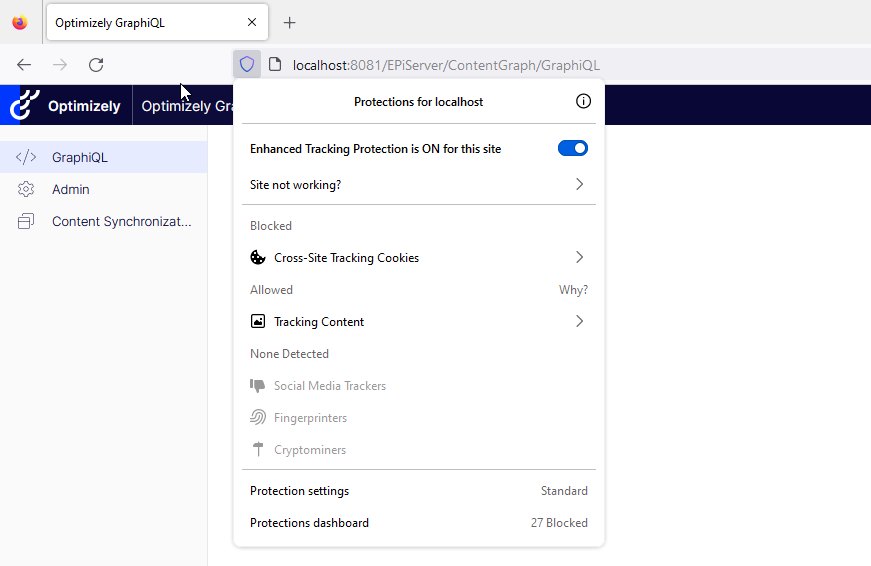
NoteFor the page to work correctly in Firefox, you must toggle off Enhanced Tracking Protection.
Use GraphiQL
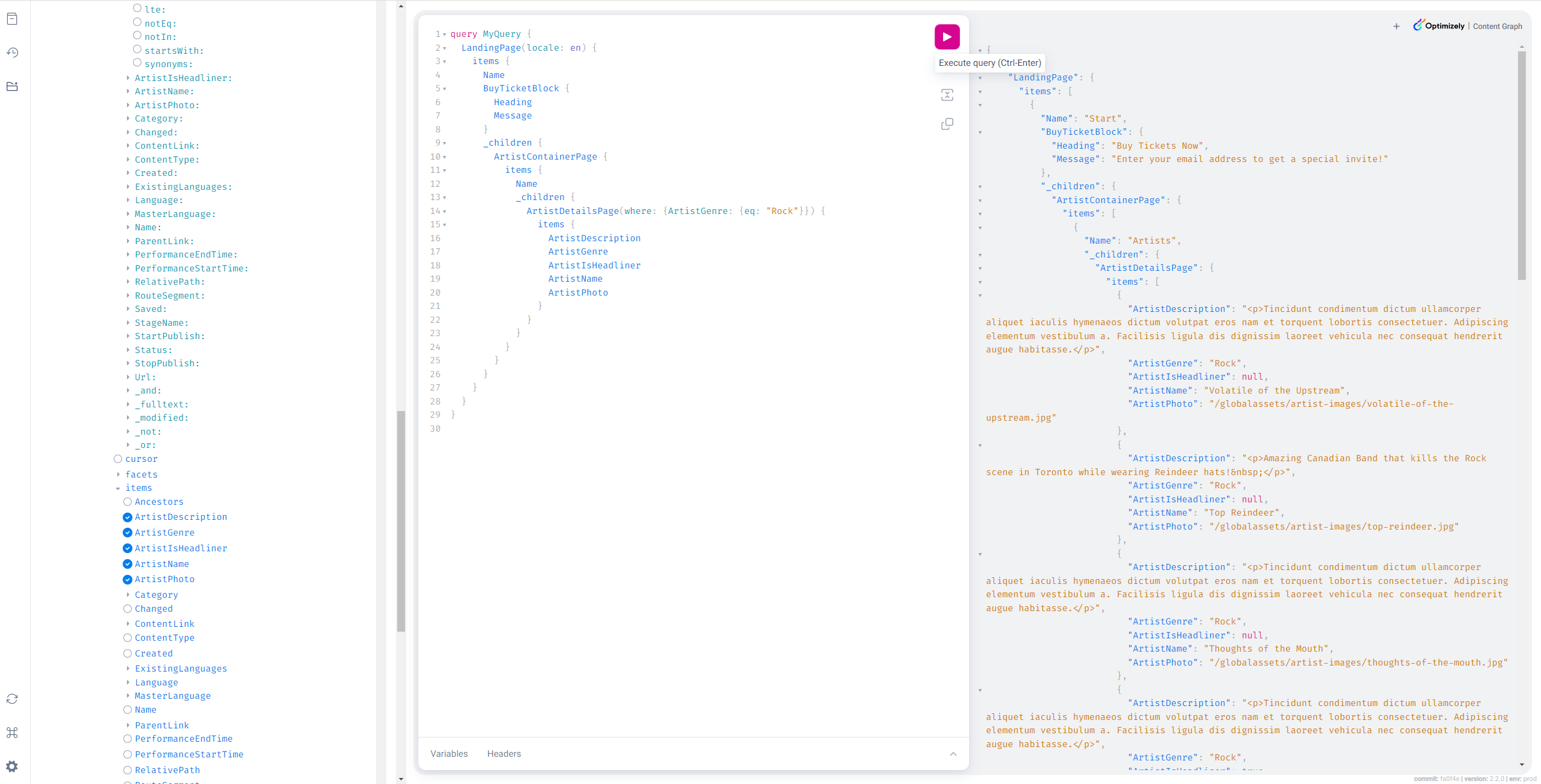
GraphiQL combines a query editor, a response viewer, and a schema explorer in one page so you can iterate on queries without leaving the browser. The interface includes the following key features:
- Query editor – Write and modify GraphQL queries.
- Response viewer – See results instantly in JSON format.
- Schema explorer – Browse available types, fields, and relationships using the Docs tab or autocomplete.
Explore the schema
The GraphQL schema describes the shape of your content and is the contract every valid query relies on. Understand the schema before you write queries so you request fields that exist and follow the relationships between types correctly.
The GraphQL schema reflects your CMS content model and includes the following:
- Types (for example, Article, Product, BlogPost)
- Fields available on each type
- Relationships between types, such as references or embedded content
- Arguments and filters for querying specific content
See the GraphQL schema documentation for guidance on exploring and using the schema. Run introspection queries or open the Docs tab in GraphiQL to examine the schema interactively.
Example query
Run this query in GraphiQL to confirm the API is reachable and your schema includes an Article type. The query retrieves articles with their title and publish date:
{
  Article {
    total
    items {
      title
      publishDate
    }
  }
}
This query returns a list of articles along with the total count and selected fields for each item.
Updated about 1 month ago