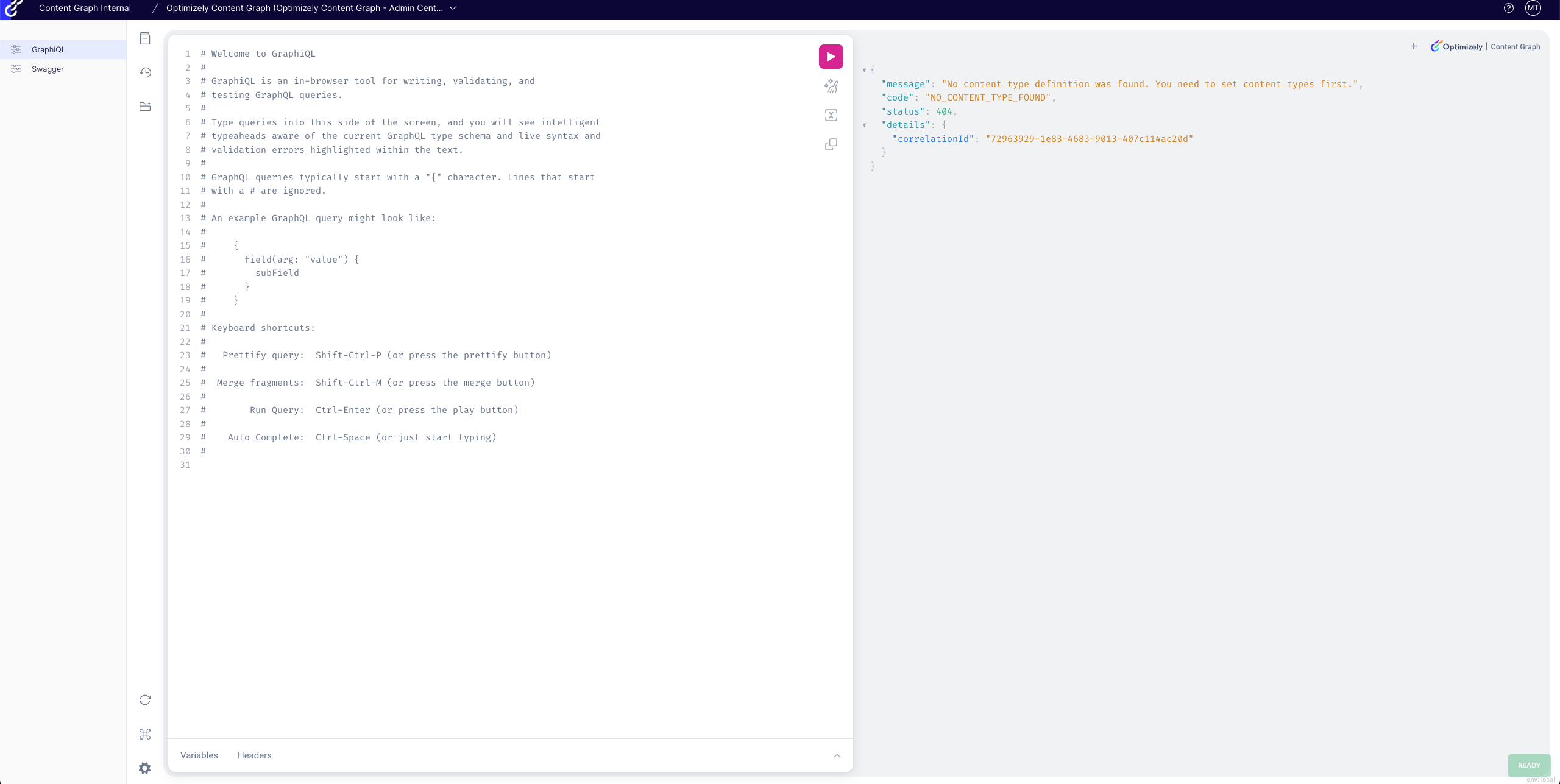
Opti ID provider
How to log in to Optimizely Graph using Opti ID.
Opti ID authorizes Optimizely Graph through the Opti ID service. This is called product-to-product authentication.
Prerequisites
To use Opti ID (SSO), request that Optimizely add your email to the Optimizely Graph app.
Log in with Opti ID
Log in to the Optimizely Graph portal with your Opti ID credentials to access the Graph workspace, manage tenants, and run queries against your content APIs.
- Go to the Optimizely Graph portal.
- Click Login.
- On the Opti ID login page, enter your email address.
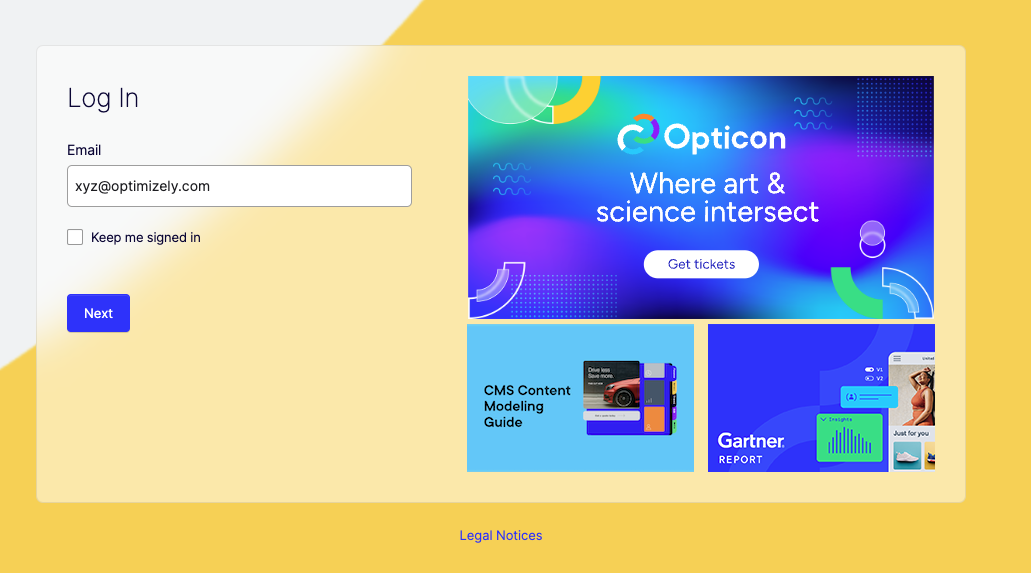
- After you log in, the Optimizely Graph portal displays.